
Visitors can form an opinion about your website almost immediately. Learn what makes a website feel trustworthy, professional, and easy to use from the very first few seconds.
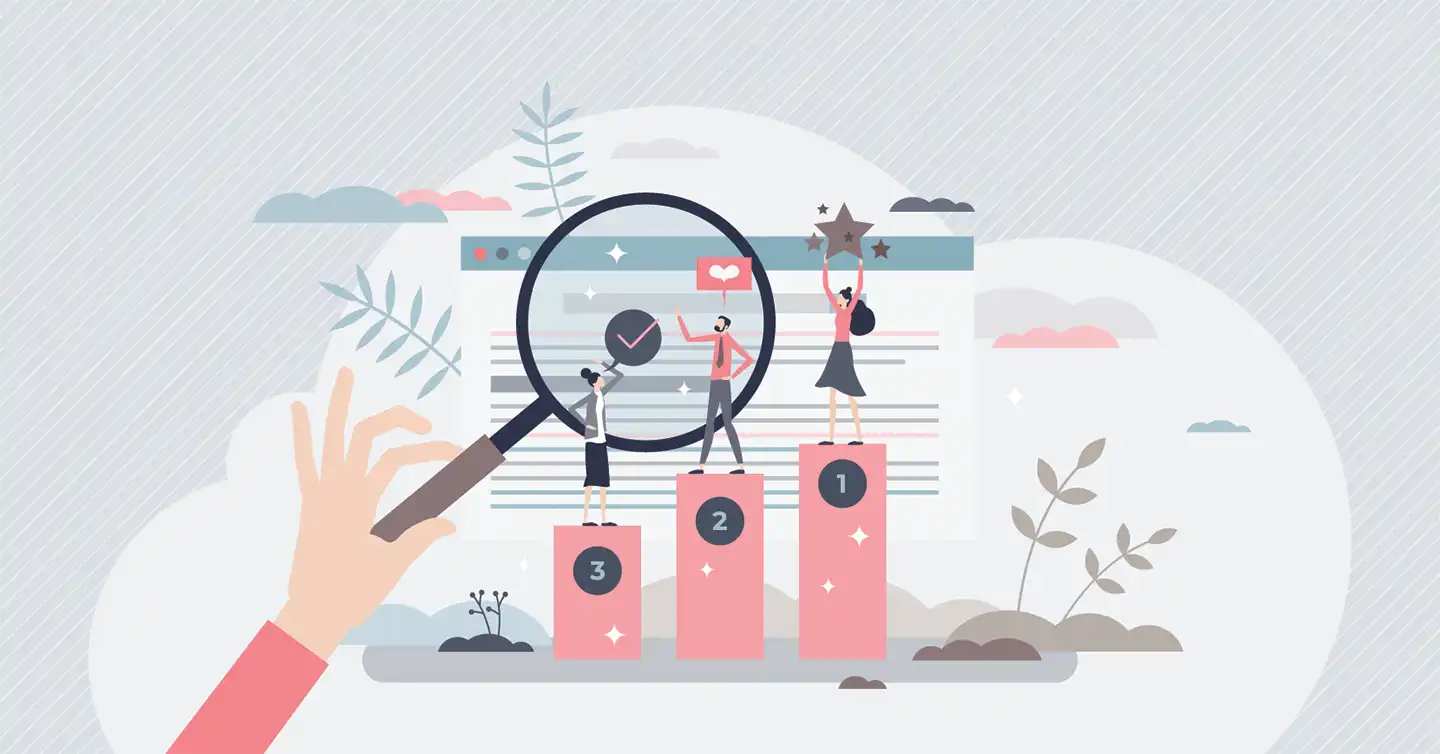
What Makes Someone Trust a Website in the First 5 Seconds?
read more...
Sherri, Ruby Moon Designs
Ruby Moon Designs is owned and operated by Sherri Kiarsis. Sherri is a web designer & developer with 25+ years experience in the industry. She is dedicated to her clients and enjoys collaborating with others. Sherri has built hundreds of websites and interviewed and observed people interacting with websites and technology throughout her career. She is passionate about taking a mediocre website and transforming it into a great online experience. Sherri is well versed in web standards, best practices, and human-computer interactions, and she believes that providing a friendly, easy-to-use, and user-friendly experience is not hard to do when you understand how people use the web.
When Sherri is not building websites, she enjoys reading comics, spending time with her family and dogs, and exploring the Colorado outdoors.
Visitors can form an opinion about your website almost immediately. Learn what makes a website feel trustworthy, professional, and easy to use from the very first few seconds.
Is your website feeling outdated, but you’re not ready for a complete overhaul? Discover when a website refresh is enough to improve speed, SEO, accessibility, and user experience without starting from scratch.

Struggling with a slow WordPress website? These five simple strategies can help you improve load times, boost SEO rankings, and keep visitors engaged.

A single weak password led to a full hosting shutdown and a hard lesson in online security. Here’s what happened and how to protect yourself.
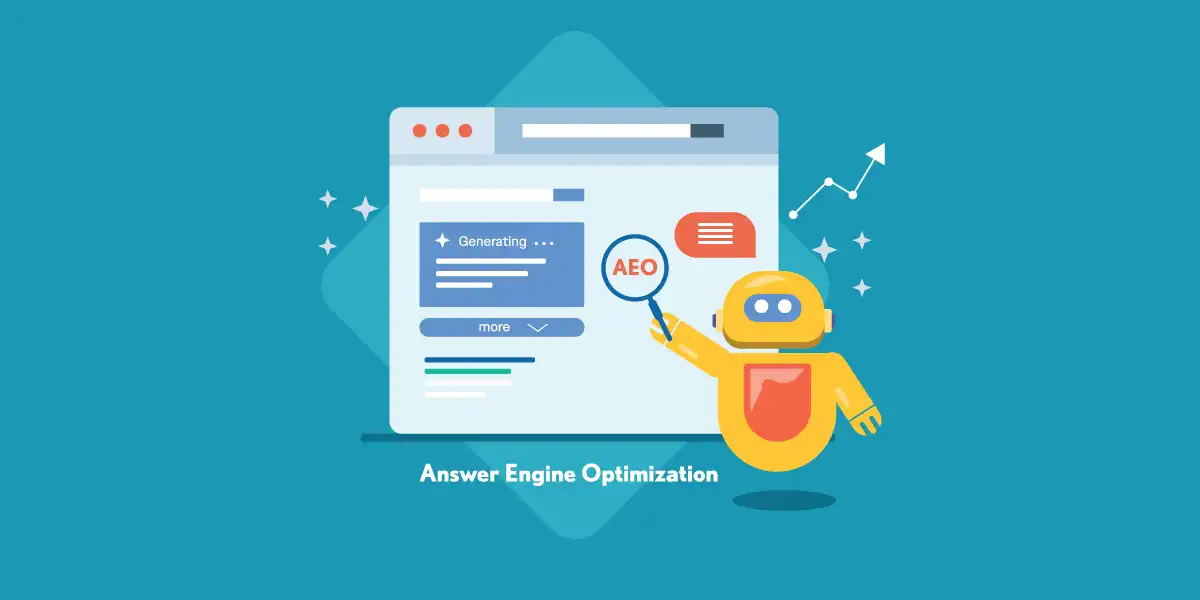
Confused about AIO vs. AEO? This guide breaks down the differences between Answer Engine Optimization and AI Optimization, why they matter, and how to structure your content to show up in both search results and AI-generated summaries.
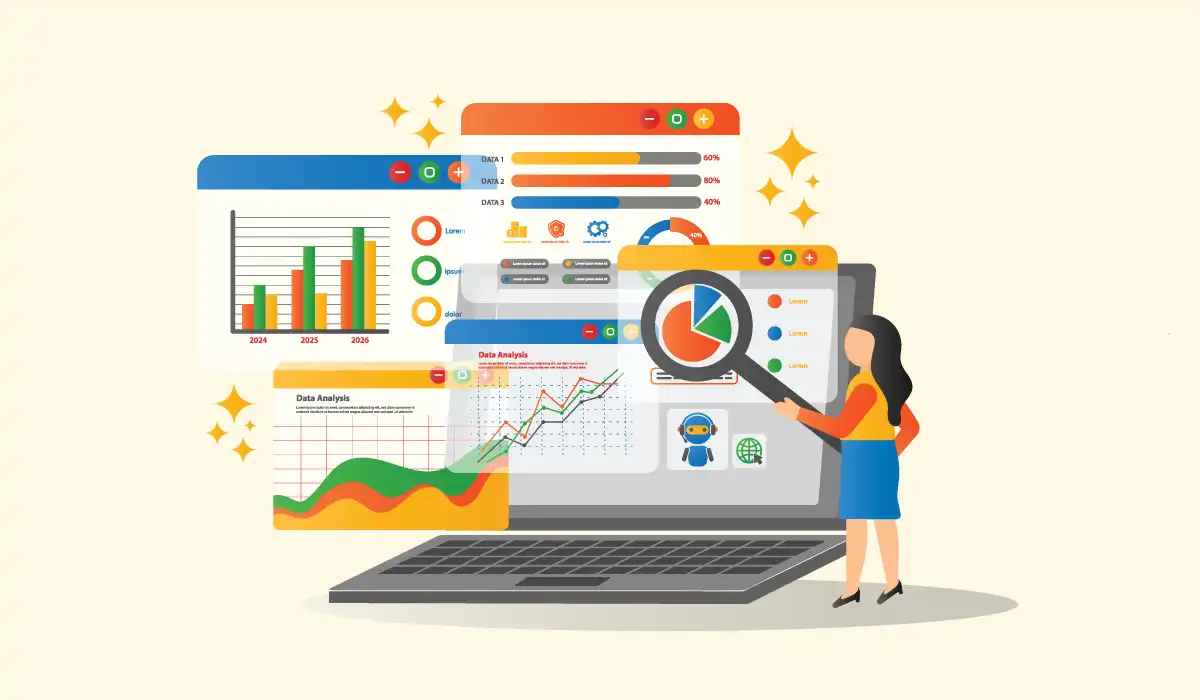
You’re creating content and optimizing for SEO and AIOs, but without tracking tools you’re flying blind. Learn how Google Analytics and Google Search Console help you see what’s working in your marketing.
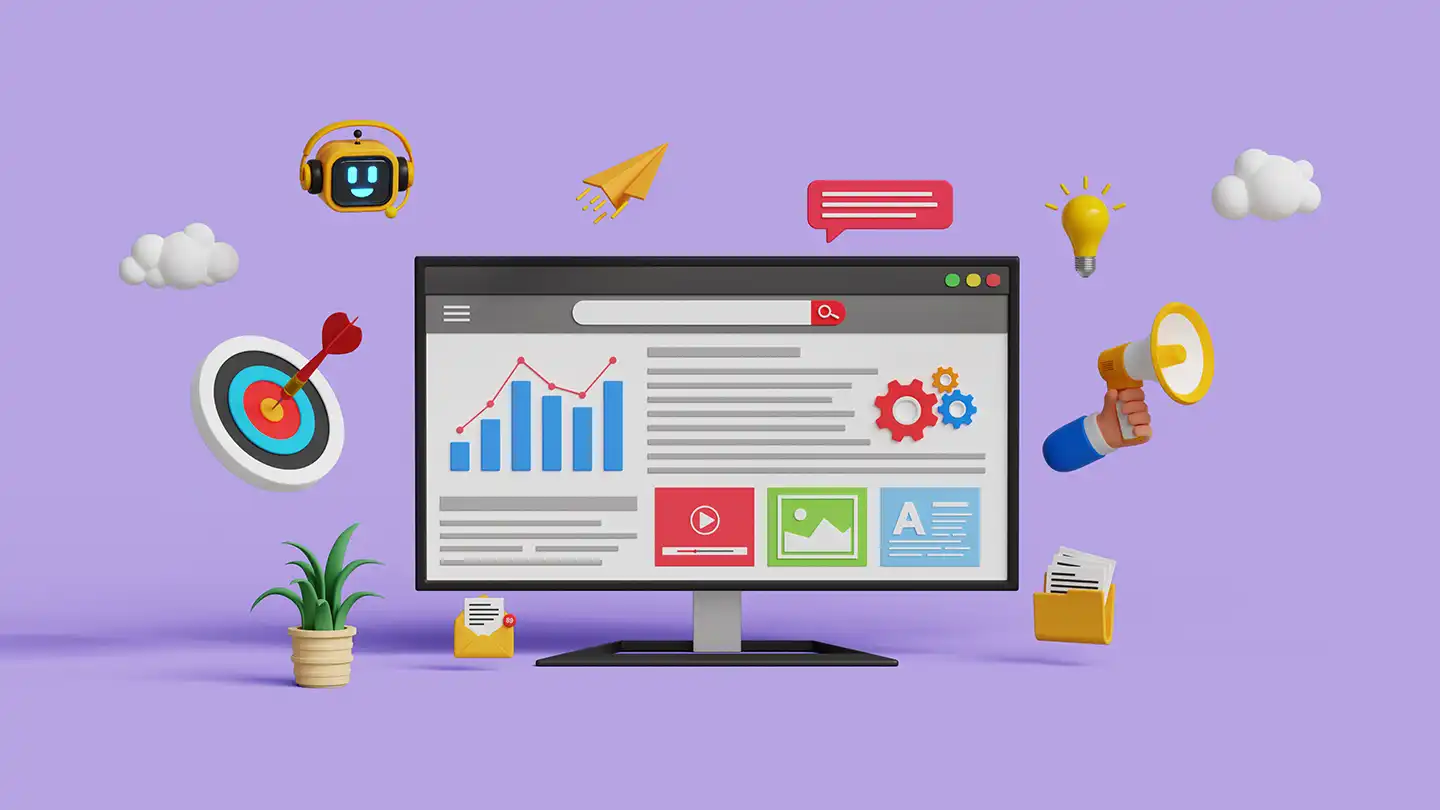
Marketing builds brand awareness, SEO ensures people can find you, and AIOs use AI to highlight your expertise in search results. Learn how these three strategies work together to boost your visibility online.
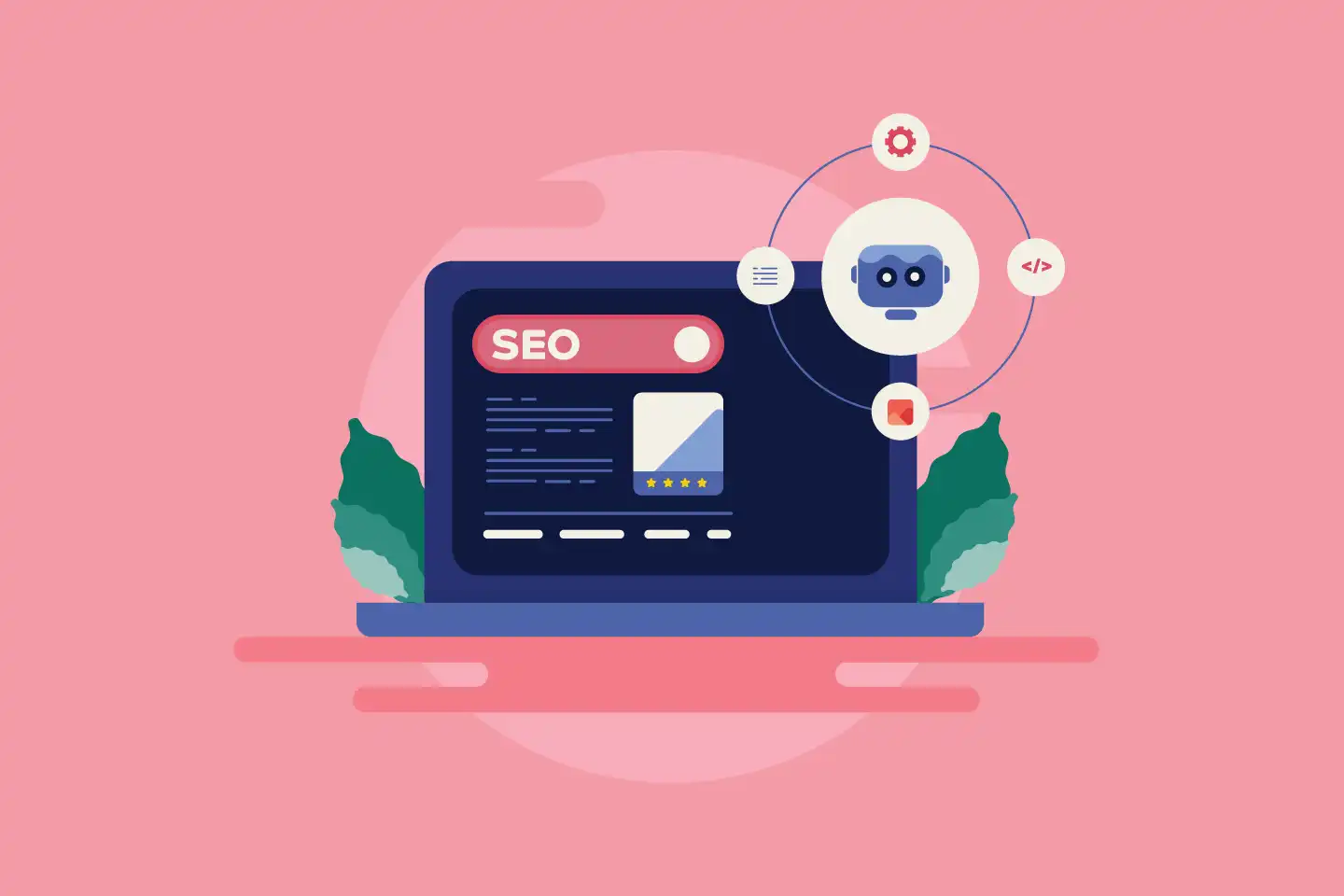
Google’s AI Overviews are reshaping how search results appear—and that means your website strategy may need to adapt. Here’s what they are, how they work, and how to make sure your content has the best chance of being featured.

Learn how to schedule blog posts in WordPress so your content publishes automatically. A simple way to save time, stay consistent, and keep your website active.
Compare WordPress, Wix, Squarespace, and Shopify to find the best website builder for your business. Learn which fits your goals and style.

Learn how to upload and embed images, video, and audio in WordPress, whether you’re using the Block Editor, Classic Editor, Divi, or Elementor. Step-by-step instructions for beginners.

Learn how to organize your WordPress blog with categories and tags. This guide explains how to use them effectively for better navigation and SEO, with easy examples.
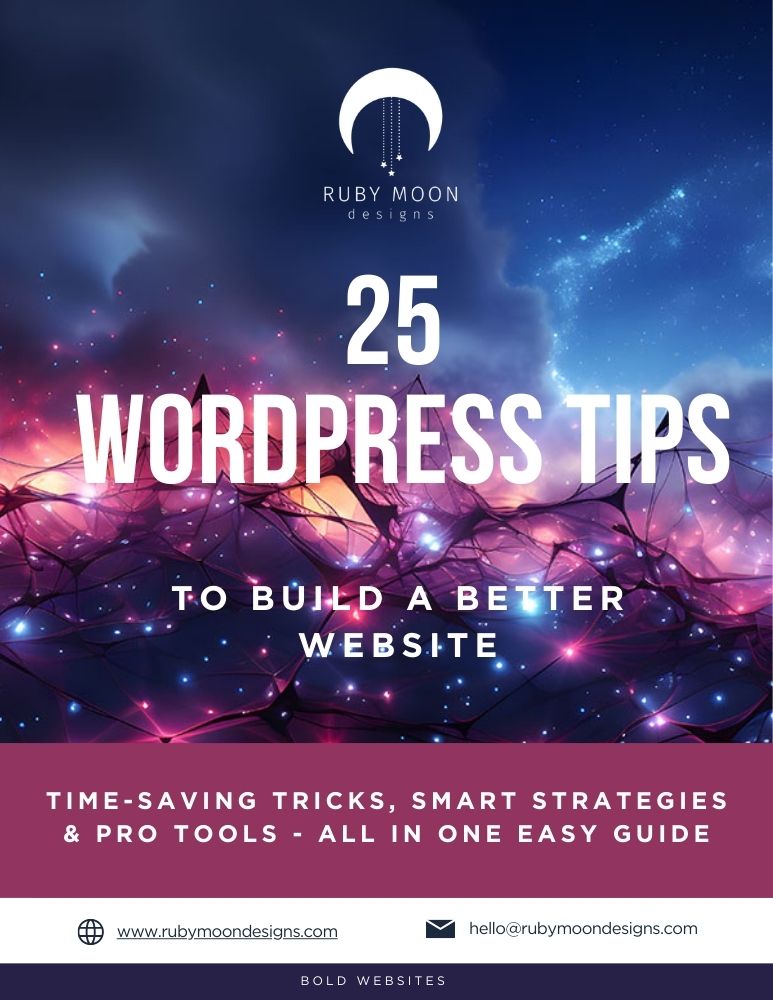
Get 25 Actionable Tips in a Downloadable Guide for Just $4.97